
Articles
Is it safe to use an online converter for personal document photos?
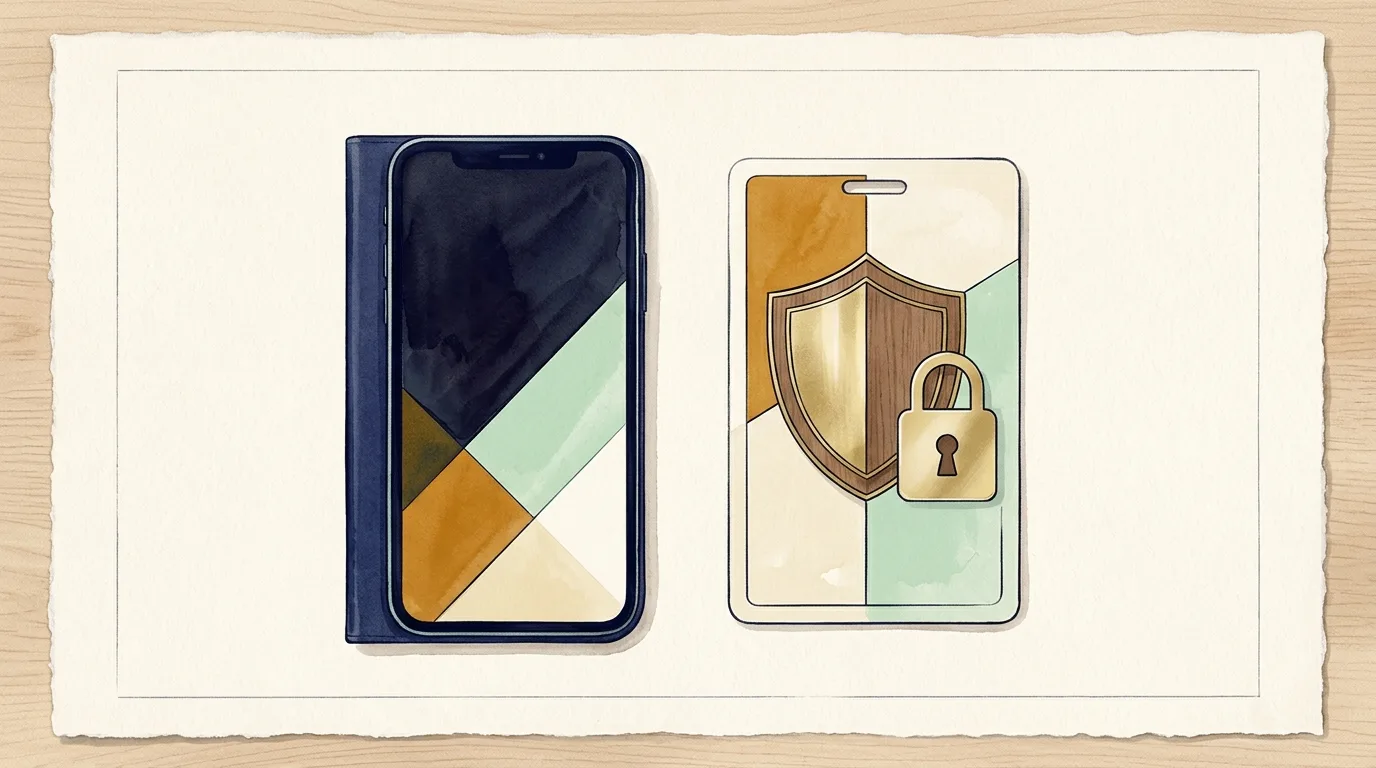
You took a photo of your ID card, driver's license, tax document, or proof of address with your iPhone to submit an official application. Because the image is saved in HEIC format and the website requires JPG, the immediate reaction is often to search for any free online converter. However, when an image displays your full name, signature, address, and facial portrait, it is vital to know where that photo actually goes when you click upload.
What happens with traditional cloud converters?
Most free conversion websites operate by transferring your file across the internet to remote servers in the cloud. This means your private document leaves your phone and lands on hardware managed by an unknown company, where it is stored while being converted so you can download the result.
Even if these services state that files are deleted after a few hours, you have no real way to verify who accesses those servers, whether images are retained, or if they could be compromised in a data breach. For sensitive personal documents and contracts, that risk is entirely unnecessary.
The security of converting locally on your device
There is a significantly safer approach: using tools that execute the entire conversion locally inside your web browser without sending any data over the internet. This is exactly how HEIC to JPG and PNG is built.
When you launch the app in Safari, Chrome, or any modern browser, the conversion is handled directly by your phone or computer's processor. The image of your ID or document never travels through the network and never touches an external server. You can even disconnect your internet after loading the page and notice that conversions continue to work seamlessly offline.
Clear controls for sharpness and file size
Beyond privacy, HEIC to JPG and PNG helps ensure your documents pass strict automated verification checks. You can adjust image quality with a simple slider to ensure all small print and numbers remain crisp, while easily lowering the overall megabyte size to fit strict email or portal attachment limits.
Best practices for sensitive document uploads
Whenever you take pictures of personal identification, follow simple safety steps: avoid public Wi-Fi hotspots, ensure the receiving website uses a secure HTTPS connection, and choose local-first tools that respect your privacy rather than cloud-based upload services.
Related reading
If an upload portal rejected your file, discover how to fix invalid format errors when uploading iPhone photos. To understand why some desktop software fails to open these files, read what to do when iPhone photos do not open on your computer or editor.