1KAPPS

Blog

Ideas, guides and news about apps and the 1kApps ecosystem.

How to install 1kApps apps on iPhone and iPad with Safari

1kApps · Published on

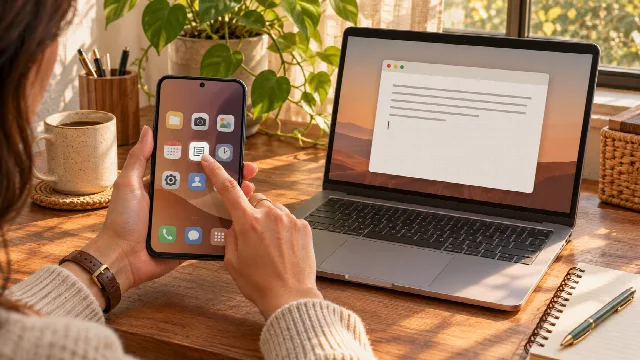
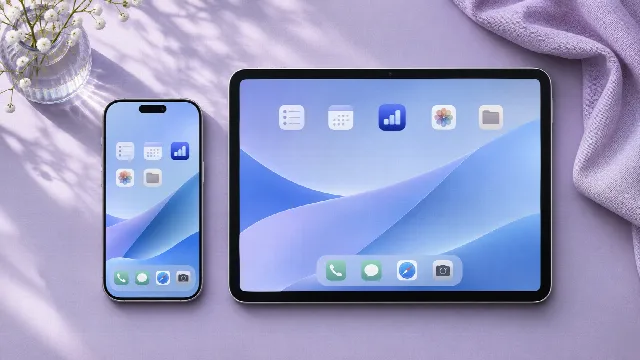
An illustrated guide to installing 1kApps apps on iPhone and iPad: open in Safari, find Share and add the app to your Home Screen.

Want to open your 1kApps tool from an icon on iPhone or iPad? In Safari, add the app to your Home Screen. There is no need to find it in the App Store. Installation is optional: these cross-platform apps also work directly on the web. We will use five steps. Step 2 shows exactly where to tap in the address bar to open the menu, then…
How to install 1kApps apps on Windows, Linux, Mac and Android

1kApps · Published on

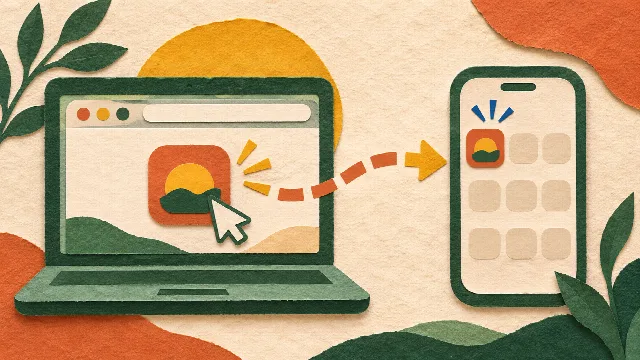
Install 1kApps apps with Chrome or Edge on your computer or Android device. Open the app, confirm installation and find its icon.

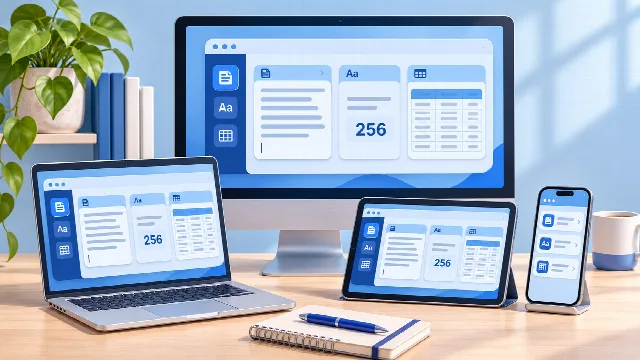
Use a tool often? Installing a 1kApps app gives you a direct way back: open it from its icon or your device’s app search, depending on the system. These are cross-platform apps that you can also use directly on the web. This guide covers Windows, Linux, macOS and Android. Prefer an up-to-date version of Google Chrome or Microsoft Edge…

Do I need Google Play or the App Store to install an app?

1kApps · Published on

1kApps apps can be installed through a compatible browser without relying on an app store. Understand the process, the differences and the basic precautions.

When we think about installing an app, we often look first in Google Play or the App Store. But stores are not the only way to add a useful tool to your device's applications. 1kApps cross-platform apps can be installed directly through a compatible browser. Open the app, use the available installation option and confirm the process on…

From browser to home screen: why install a 1kApps app?

1kApps · Published on

Installing a 1kApps app makes it easier to open from an icon or your device’s app search. Find out when it helps and what changes from web access.

Have you ever found a useful tool, completed a task, and then had to search for its address again the next day? When an app becomes part of your routine, a direct way to open it makes a difference. Installing a 1kApps app is a way to keep it within easier reach on your device. You can still use it on the web, but you also get an entry…

Meet 1kApps: cross-platform apps to install or use on the web

1kApps · Published on

Discover 1kApps: install cross-platform apps or use them on the web, with on-device processing for tools that handle your text and files locally.

You need to tidy up some text, check whether a message fits a character limit, or find out whether a website is responding. These are simple tasks, but finding the right tool can take longer than completing them. 1kApps brings together cross-platform apps that you can install or use directly on the web. Choose how to access your tools…

App: site-status

Website not loading: when to wait and when to contact support

1kApps · Published on

Compare Wi-Fi, mobile data and an external check to decide whether to wait or contact the website’s support team. Know what to send when you need help.

Before contacting support because a website will not load, find out how widely access is failing. The site may be unavailable across several networks or fail only on the connection you are using. That difference guides the next step: wait, use another network for now or notify the website operator. First, check whether only this website…

App: site-status

Has a website blocked my IP? How to recognize the signs

1kApps · Published on

Access denied after repeated page refreshes? Recognize possible temporary blocking, compare another network and ask support to review the restriction.

A website was working until you opened or refreshed many pages in a short time. Now it says “access denied”, “too many requests” or asks you to wait. An automatic protection rule may have limited access from your connection, even though you were not doing anything malicious. What signs suggest a temporary restriction? The suspicion is…

App: site-status

Website works on mobile data but not Wi-Fi: how to fix it

1kApps · Published on

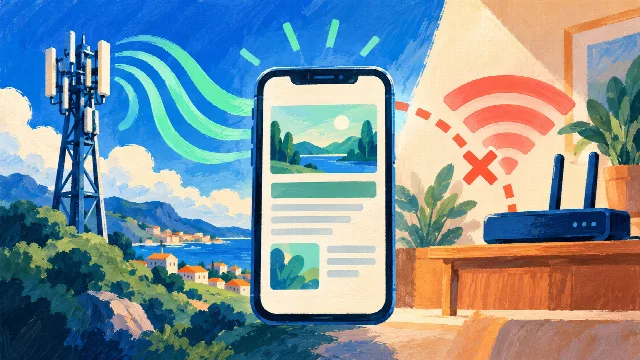
A website opens on mobile data but fails on Wi-Fi? Compare the connections and find out when to contact your internet provider or the website’s support team.

You turn off Wi-Fi on your phone and a website loads straight away over 4G or 5G. Switch Wi-Fi back on and it stops loading. That difference shows the site is reachable through at least one connection and gives you a useful starting point for troubleshooting the network that fails. Compare both connections on the same phone Open exactly…

App: site-status

My website works for me but not for a customer: what should I do?

1kApps · Published on

Your website loads on your computer but a customer cannot reach it? Compare networks, run an external check and gather useful evidence for your host.

A customer says your website is down. You open it on your own computer and everything looks fine. Both observations can be true: access may fail for one network, a region or a particular group of visitors. Simply replying “it works here” leaves the customer without a next step. Ask for the exact address and error Before changing…