Check if a website is online or down
Enter the address to see whether the site is reachable now. A clear result helps you decide what to do when it will not open.


Internet
Check whether a website is down or the problem may be with your internet connection.
Enter the address to see whether the site is reachable now. A clear result helps you decide what to do when it will not open.
Get an explanation of the issue found and suggestions for what to try. Technical details are available if you need support.
Copy the diagnosis to your internet or hosting provider so you do not have to explain the problem from scratch.
Save the result to share with support or compare later. Include the charts when history is available.
View and copy your IP in one tap to share with support when investigating an access issue.
When history is available, see the days and hours when checks found problems and compare recent attempts.
Run another check and compare it with your previous result to see whether access has returned.
Save up to 10 websites and check them together. Follow the progress and compare the results in a table.
 My website works for me but not for a customer: what should I do?Your website loads on your computer but a customer cannot reach it? Compare networks, run an external check and gather useful evidence for your…Read article
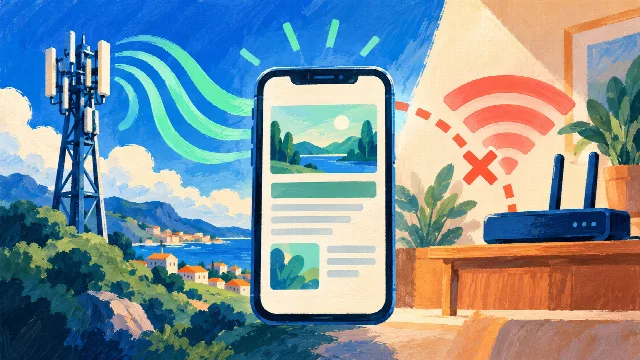 Website works on mobile data but not Wi-Fi: how to fix itA website opens on mobile data but fails on Wi-Fi? Compare the connections and find out when to contact your internet provider or the website’s…Read article
 Has a website blocked my IP? How to recognize the signsAccess denied after repeated page refreshes? Recognize possible temporary blocking, compare another network and ask support to review the…Read article
 Website not loading: when to wait and when to contact supportCompare Wi-Fi, mobile data and an external check to decide whether to wait or contact the website’s support team. Know what to send when you…Read article
Not necessarily. The response confirms that our server reached it. DNS, a VPN, your browser, regional restrictions or network differences may explain the issue on your device. Try another network and share the diagnosis with support.
No. Each check is requested by a visitor. There are no periodic checks or outage alerts. Charts show recorded checks only and do not measure uptime.
The dashboard appears when another IP has checked the same domain within the last 45 days. Without that sample, the current result is still available but no history is invented.
At most one record per IP is saved every hour across all domains. More checks can be run within security limits. IPs are not equivalent to people and are not published.
The history stores only the domain, time, technical result and a cryptographic IP identifier for up to 45 days. Paths and parameters are discarded. The original IP is not in the public history; including it in the diagnosis and PDF is optional. Server access logs follow the portal privacy policy.
Checks and history require internet access. Installation lets you open the app from its icon; offline, it asks you to reconnect and does not present old results as current.
No. They measure the steps between the 1kApps server and the checked site. They are not a speed test of the visitor’s connection.
No published answers yet.