
Articles
Has a website blocked my IP? How to recognize the signs
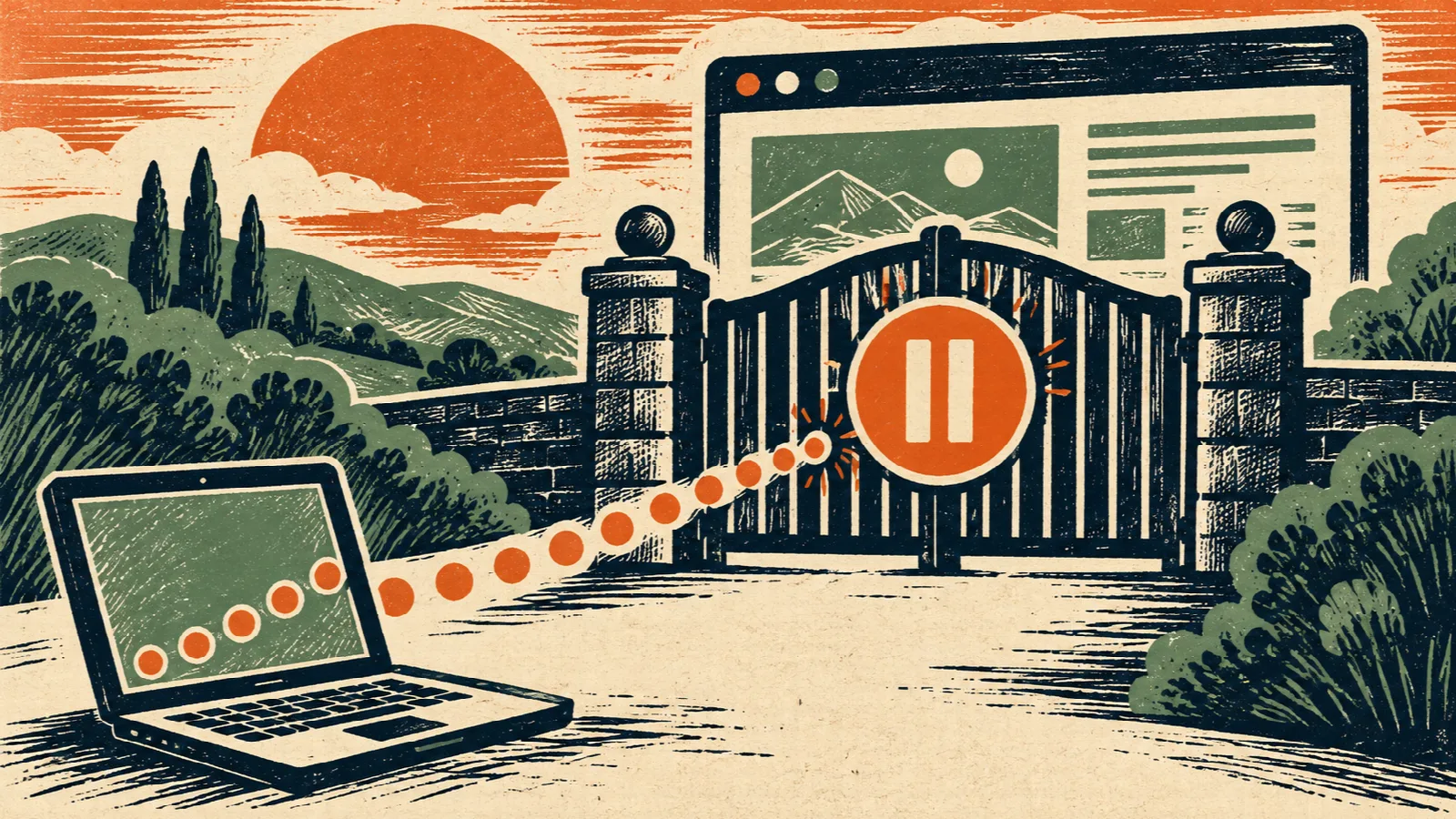
A website was working until you opened or refreshed many pages in a short time. Now it says “access denied”, “too many requests” or asks you to wait. An automatic protection rule may have limited access from your connection, even though you were not doing anything malicious.
What signs suggest a temporary restriction?
The suspicion is stronger when the problem starts after repeated requests, the site displays a limit message and the same address opens on another network. Consider these clues together. A site that simply takes too long to respond may have a different problem.
Do 403 and 429 mean the same thing?
No. A 403 response means access was refused, but several rules or permissions can cause it. A 429 response indicates too many requests under the service’s limits. The displayed message may tell you how long to wait or include an identifier for support.
Neither code alone tells you who configured the restriction or whether it depends only on your IP address. Other factors may be involved. Save the message and timestamp rather than assuming you have been permanently blocked.
Compare another network without repeated attempts
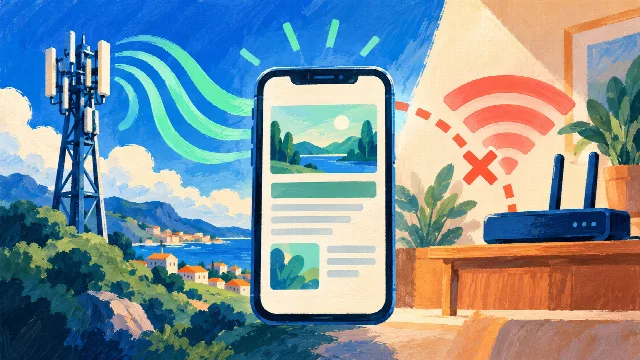
On a phone, turn Wi-Fi off and try the same address over mobile data. If it opens, that suggests the restriction or fault follows the original connection. For another comparison, check the domain with Site Status. Its request comes from the service’s server rather than your network.
A successful external check is consistent with a localized restriction, but does not confirm it. If the checker also receives access denied, it may have been restricted itself. The website operator needs to inspect logs to identify the actual rule.
Stop refreshing and follow any waiting instructions
Stop repeated attempts and follow any waiting period shown in the message. Constant refreshes or multiple tabs making requests may trigger further limits. There is no single duration: some restrictions expire automatically, while others need the website operator to review them.
Will restarting the modem change my IP and fix this?
It can happen on some connections with dynamic addresses, but it is not guaranteed. The provider may assign the same address again, use a fixed address or share the public connection with other customers. Restarting the modem is therefore not a reliable fix for an IP restriction.
If you restart your own connection, warn other users, disconnect the equipment from power for about a minute and wait for it to reconnect, following the manufacturer’s guidance. Do not use the Reset button. If the problem remains, contact support instead of restarting repeatedly.
How to ask support to review access
Send the website’s official support team the message, time and time zone, address and comparison between networks. If they request your public IP, provide it through a private channel. On shared connections, other users’ activity may affect the same public address; an IP address does not uniquely identify a person.
You do not need to disable antivirus software, firewalls or browser protections to demonstrate the issue. If you run the website, ask your host to inspect the corresponding event rather than allowing every request or removing rules without understanding the cause.
Technical references
See Cloudflare’s explanations of 403 errors and 429 errors. RFC 6598 documents shared addressing used in provider networks.