
From browser to home screen: why install a 1kApps app?
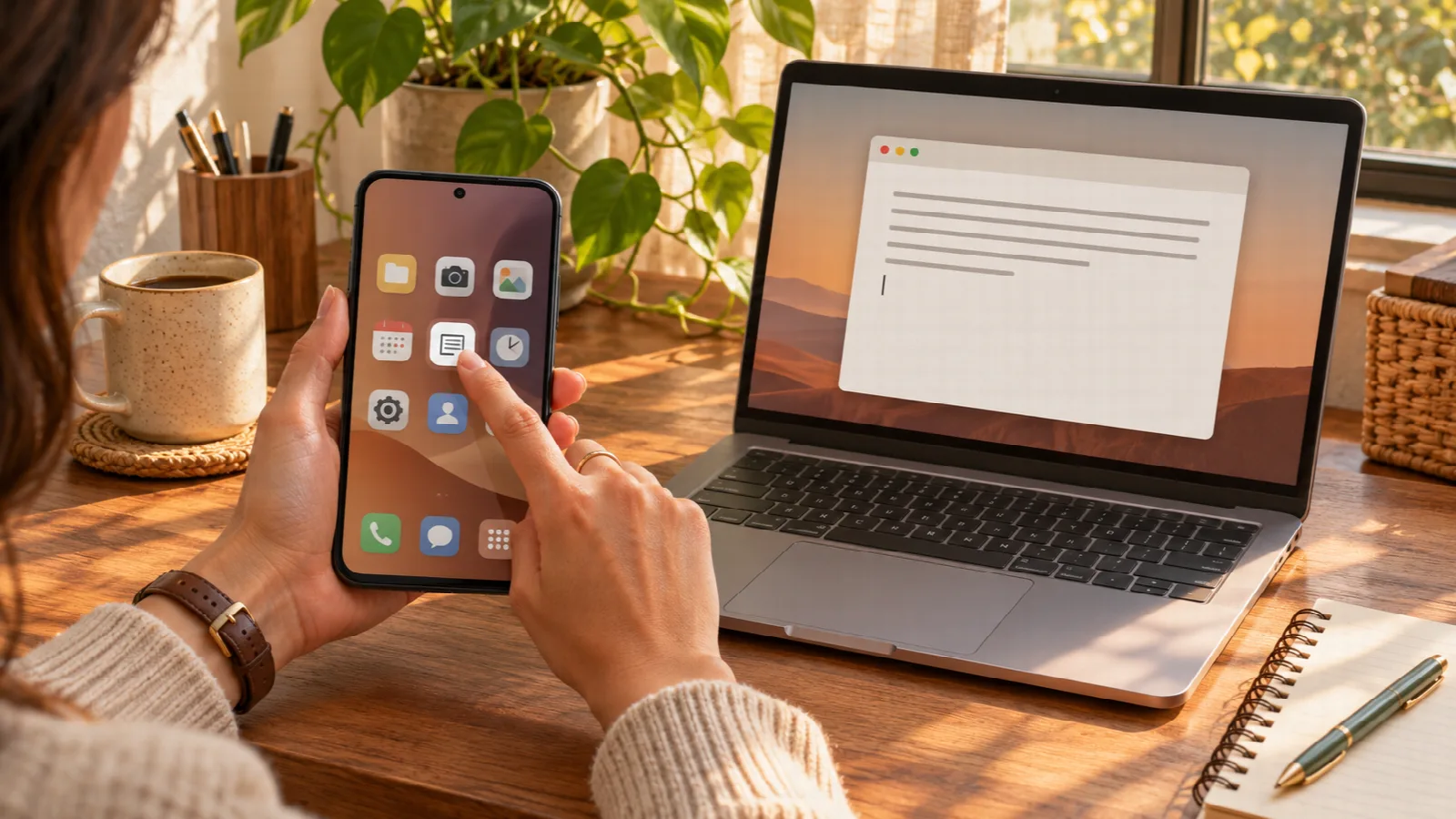
Have you ever found a useful tool, completed a task, and then had to search for its address again the next day? When an app becomes part of your routine, a direct way to open it makes a difference.
Installing a 1kApps app is a way to keep it within easier reach on your device. You can still use it on the web, but you also get an entry among your applications, depending on what your system and browser support.
Open an icon instead of looking up the address again
On a phone, the app can appear on the home screen. On a computer, it can appear in the system's app menu and app search. Where supported, you can also arrange a desktop shortcut or pin the app in your device's quick-access areas.
The benefit is straightforward: instead of remembering a page or finding an old tab, search for the app's name or tap its icon. Placement and available options vary between Windows, Linux, macOS, Android, iPhone and iPad.
A window for the task at hand
In compatible environments, an installed app can open in its own window. This helps separate the tool from tabs used for research, reading or other work.
Think of someone who uses Character Counter to review messages every day: the icon opens the tool for a new count. Someone who regularly cleans up lists can keep Text Studio among their easy-to-reach applications.
Installation is optional: choose what fits your routine
If you use a tool occasionally, opening it on the web may be enough. If you return several times a day, installation can save you the search and make access more organized.
1kApps offers cross-platform apps that you can install or use directly on the web. Installation is a choice, without requiring you to stop using the browser or create an account for free use.
What installation does not change automatically
Installing does not mean your text and files synchronize between devices. In local-processing features, content is still handled on your own device. Where local saving is offered, it belongs to the browser and device you use; other tools keep content only in memory while open.
Installation does not turn every feature into an offline one either. A query to a remote service still needs a connection. Check the app's information, and save or download results you want to keep.
How to get started on your device
Visit the 1kApps catalog, choose a tool and use the available installation option. The procedure depends on your browser and system. If installation is unavailable in that environment, you can still use the compatible web version.
On iPhone or iPad, first open the app itself on the web in Safari. With the app open, use Share and Add to Home Screen. MDN's guide to installing apps explains the differences between environments.
The best reason to install is this: keep a tool you already find useful close at hand. Choose an app from your daily routine and make the next visit simpler.