
Articles
How to create a counter or storefront QR Code sign without monthly fees or expiry
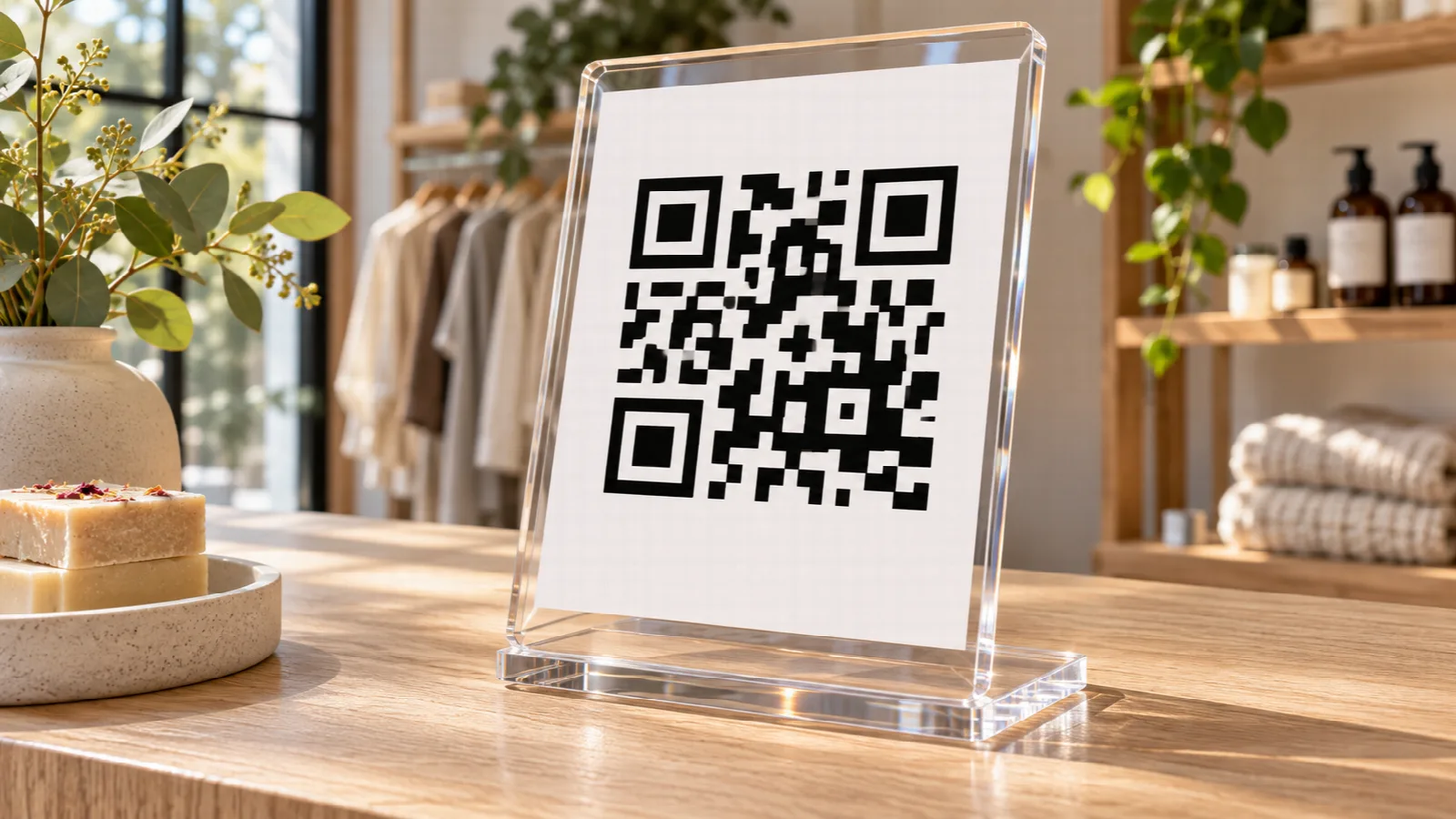
Your checkout counter and store window are the most valuable visual touchpoints in your physical location. It is where customers finalize orders, wait for service, or browse items. Positioning a tasteful QR Code display in these spots is one of the most cost-effective ways to guide visitors to your guest Wi-Fi, digital catalog, WhatsApp concierge, or social media pages.
Yet many business owners make two major mistakes: they subscribe to aggressive platforms charging monthly fees to keep simple codes alive, or they tape crude printer paper sheets with tape that damages their brand image. Today, you can pair free direct generation with generative AI to produce agency-quality retail displays without breaking the bank.
The winning approach: decouple code logic from sign design
The biggest pitfall is searching for an all-in-one software that attempts to create the physical sign while generating the code. These platforms almost universally wrap your link into recurring subscription traps that disable the QR Code if you cancel.
The reliable, professional approach separates the two tasks:
- Permanent technical generation: use a dedicated offline-capable generator that outputs a pure, raw, high-resolution QR Code that never expires.
- Visual sign craftsmanship: leverage a conversational AI like ChatGPT or Gemini to produce the signage layout, color harmony, typography, and framing matched to your brand.
Step 1: Generating the pristine code in Super QR Code
Using Super QR Code, generating your asset takes less than a minute:
- For venue internet, select Wi-Fi, enter your network SSID, and type your password.
- For instant customer service, choose WhatsApp and include a friendly initial greeting.
- For menus, reviews, or your website, select Link / URL.
- For business card exchanges, pick Contact (vCard).
Click Generate QR Code. The application calculates the error-correcting module matrix directly in your client browser. Next, click Save image to store the full-resolution PNG file (1024×1024 pixels). This pristine file is your asset for the design step.
Step 2: Prompting ChatGPT or Gemini for custom sign artwork
With your PNG file saved, you do not need graphic software expertise or expensive design retainers. Contemporary multimodal AI models can build complete layout designs directly from your prompt.
Open ChatGPT (with image upload capability) or Gemini, attach the QR Code PNG file, and submit a targeted prompt like this:
> 'Act as an expert retail graphic designer. Create an elegant A6 vertical counter stand artwork (10x15 cm) for my boutique coffee shop named Velvet Roast. Place the attached QR Code prominently in the center. Use a sophisticated color palette featuring soft warm cream (#FAF7F2), rich espresso brown accents, and sage green highlights. Add the header: Connect to our Guest Wi-Fi. Below the code, write: Point your smartphone camera to connect automatically. Provide a clean, print-ready mockup layout.'
The AI generates a balanced design with proper margins, legible typography, and ample breathing room for seamless camera recognition.
Recommended hardware and print materials
Once your artwork is finalized, your choice of physical material dictates the quality perceived by your patrons:
- Clear acrylic stands (L-stand or T-stand): these are affordable, shatter-resistant, and professional. You can purchase standard 4x6 inch (10x15 cm) acrylic table stands online in bulk and swap internal printed inserts whenever your offerings change.
- Heavyweight matte cardstock: when printing your insert, choose 200 to 250 gsm matte paper. A matte finish is far superior to glossy paper because it eliminates harsh ceiling light glare that blinds smartphone camera lenses.
- Weatherproof vinyl decals: if placing codes on glass storefront doors or exterior windows, vinyl stickers resist UV fading, rain, and repeated glass cleaning.
Placement and ergonomics for effortless scanning
Ensure effortless scanning for every customer by following these ergonomic guidelines:
- Position at hand height: display the stand right next to the card terminal or where guests naturally rest their bags and drinks.
- Use a backward tilt: slanted L-shaped acrylic holders present the code at a natural perpendicular angle to standing patrons holding phones at waist height.
- Maintain minimum sizing: for counter displays scanned from 30 to 50 cm away, keep the central QR Code matrix between 3.5 cm and 5 cm (1.5 to 2 inches) wide.