
Articles
Why do QR Codes stop working after printing and how to prevent it?
Imagine this scenario: you launch your shop or restaurant, print hundreds of physical menus, table stickers, counter acrylic displays, and flyers with a handsome QR Code in the center. During the first few weeks, everything works flawlessly. But soon after, customers begin complaining that their phone camera opens an error screen or a landing page demanding a monthly subscription fee to re-enable the link.
This is one of the most frustrating traps small business owners face. When marketing collateral has already been manufactured and distributed, a broken QR Code means immediate financial loss, reprint expenses, and disappointed customers. To avoid this issue, it is vital to understand how QR Code generators operate under the hood.
The trap of 'dynamic' QR Codes and recurring fees
The majority of websites ranking at the top of search engines for 'free QR Code generator' use an aggressive freemium model. They do not encode your actual URL into the pixel grid. Instead, they create their own proprietary short URL (such as `my-qr-link.com/xyz123`) that redirects visitors to your website.
They label this feature a 'dynamic QR Code'. During a brief trial window of 14 days, the redirect works as expected. Once the trial expires, they hijack your customer traffic: anyone scanning the printed code on your counter lands on a paywall requiring $10 to $30 per month to keep the link alive.
If you decline to pay, the QR Code breaks forever. And because the code is physically printed on tables, windows, and packaging, changing the destination requires throwing away all your printed assets.
What is a direct, static QR Code?
Unlike redirect-based tools, a direct static QR Code writes your actual data directly into the black and white pixel pattern. When you enter `https://www.yourdomain.com`, that full address is embedded in the physical dots of the image.
This delivers distinct benefits for anyone printing physical collateral:
- Never expires: the code remains functional for years without any renewal fees or hosting dependencies.
- Zero middlemen: visitors connect straight to your target page without passing through third-party tracking servers, ensuring top speed and customer privacy.
- Complete autonomy: you are never held hostage by an external SaaS company that could alter pricing or shut down operations unexpectedly.
How to generate permanent codes with Super QR Code
To ensure that your printed materials remain active permanently, use Super QR Code straight in your browser on desktop or mobile:
- Visit Super QR Code.
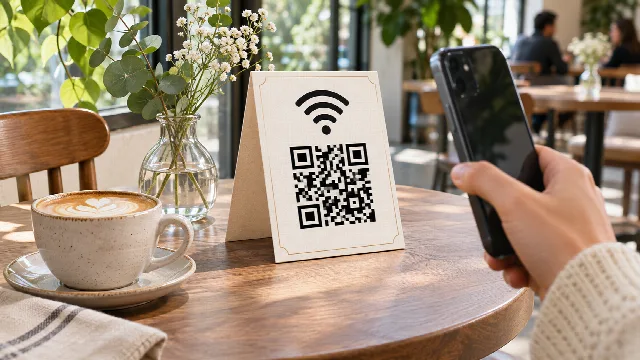
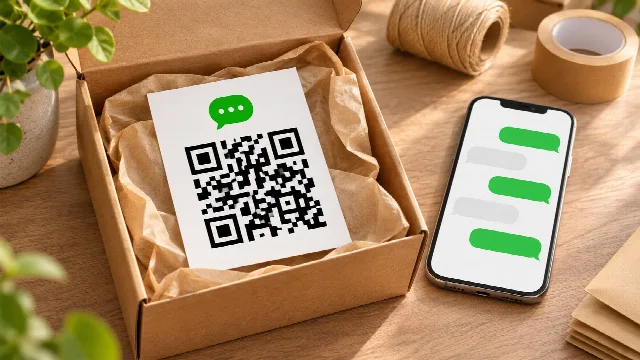
- Select your destination type: Link / URL, Wi-Fi, WhatsApp, Contact (vCard), or Location.
- Fill in your details and click Generate QR Code.
- The code is produced 100% locally on your device and points straight to your raw destination.
- Click Save image to download a high-resolution PNG file (1024×1024 pixels), ready for printing.
Merchant tip: crafting beautiful display signs with AI
The Super QR Code app specializes in geometric precision, security, and lifetime longevity. It delivers a pristine image asset, but it is deliberately not an interior sign designer.
If you want an attractive counter sign, acrylic stand, or table tent without paying costly design agency retainers, you can pair your generated QR Code with conversational AIs like ChatGPT or Gemini:
- Generate and download your high-resolution PNG from Super QR Code.
- Open ChatGPT or Gemini and attach the PNG file.
- Enter an actionable prompt such as: 'Act as a professional graphic designer. Create an elegant, minimalist A6 acrylic counter stand design for my specialty coffee shop. Place this attached QR Code cleanly in the center, use warm cream and forest green tones, and add the text: Scan for our seasonal menu'
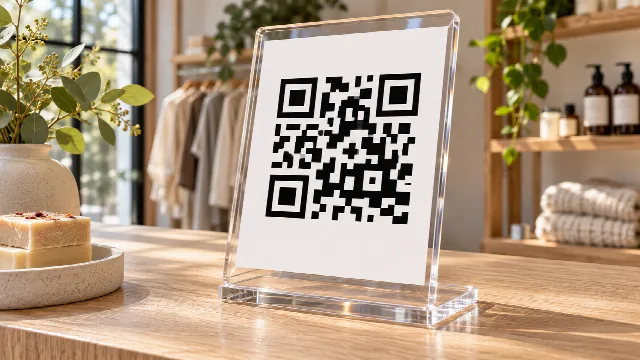
- The AI produces a polished visual layout that you can print on heavy cardstock, insert into a standard acrylic stand (10x15 cm or 4x6 inches), and place proudly on your checkout desk.
Key checks before sending to the print shop
Before printing in bulk, always observe these three practical rules:
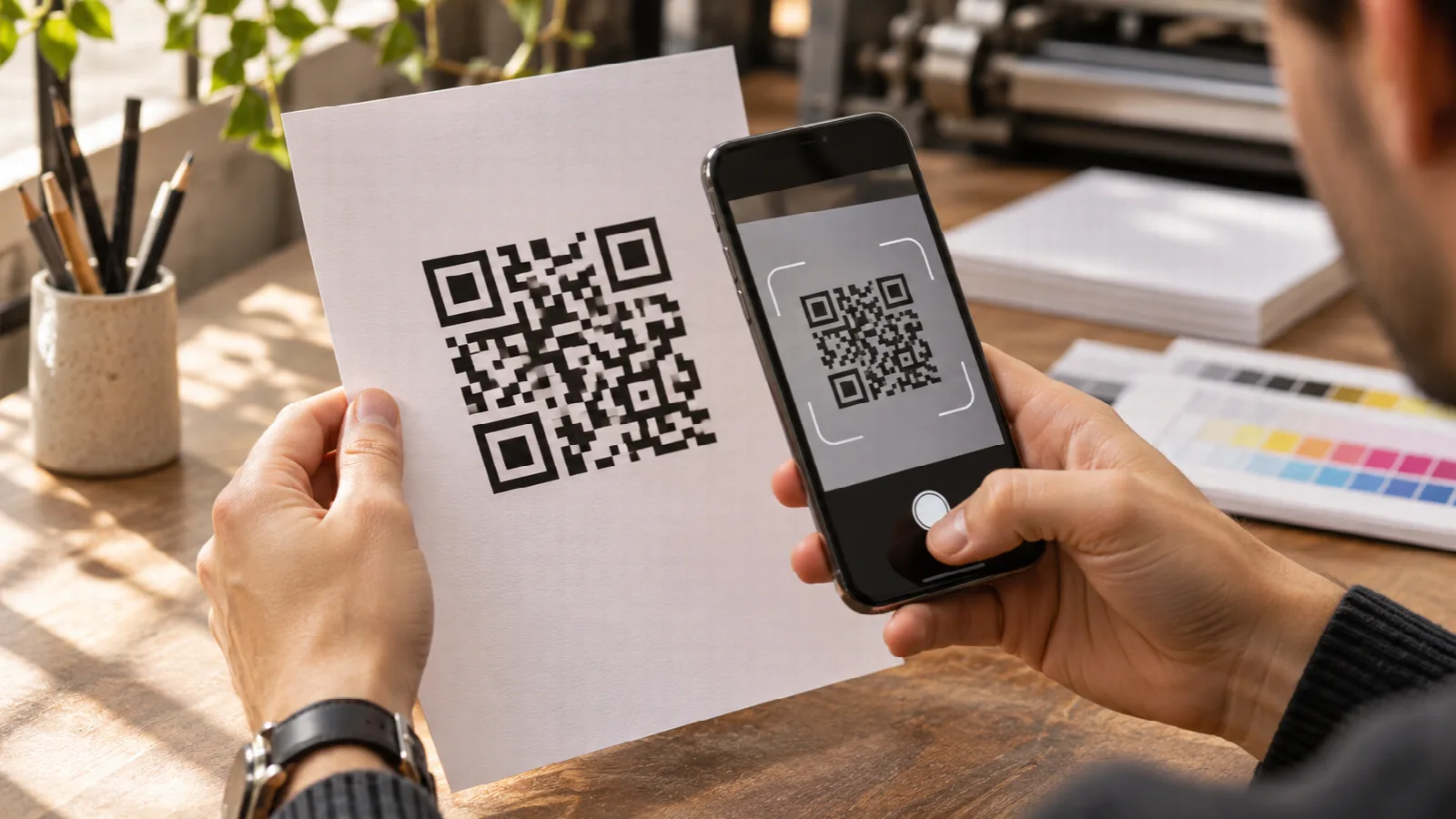
- Perform real-device testing: print a quick single test sheet and scan it using both iOS and Android camera apps from normal customer viewing distances.
- Respect the quiet zone margin: keep at least 4 modules of blank white space around the entire outer perimeter of the QR square so cameras detect the boundary markers instantly.
- Ensure high contrast: stick with dark modules on a clean light background. Avoid inverted color schemes (light dots on dark background), which fail on older smartphone lenses.