How do I create a QR Code for a website or link?
Paste the address to generate a QR Code instantly. Scanning opens the page directly, ready for menus, posters or labels.


Utils
Create QR Codes for links, Wi-Fi, WhatsApp, contacts, locations, plain text, email and phone numbers. Save images and find your codes in local history.
Create a QR Code in a few steps: choose a type and fill in the fields. Share a website, Wi-Fi network, WhatsApp chat, contact, location, short text, prepared email or phone number.
Data is stored in the QR Code itself, without intermediary links or expiry dates. Linked destinations must remain available: changing a Wi-Fi password or a page address may require a new code.
Save a PNG image, or copy and share it when supported by your browser. Codes stay in this browser’s history, with search, editing and deletion. Generation happens on your device without registration, and works offline after the first visit.
Use the app in English, Spanish, French or Portuguese. Available scanning actions depend on the reader and device.
Paste the address to generate a QR Code instantly. Scanning opens the page directly, ready for menus, posters or labels.
Content is stored in the QR Code itself, without intermediary redirects. The code has no expiry or subscription; linked destinations must remain available.
Enter the network name and password so visitors can scan to connect without typing. Hidden and open networks are also supported; connection depends on the scanning device.
Enter the full phone number and an optional initial message. Scanning opens the chat with the text prepared for the user to send.
Enter your name, phone, email, company and website. A compatible reader can offer to save the vCard to contacts.
Enter an address, coordinates or your current location. Scanning opens a Google Maps link to the place, where the user can plan a route.
Save a high-resolution PNG for printing. Copying and sharing images are also available when supported by your browser.
Open My QR Codes to search by name or content, reopen a code, edit its data or delete it when no longer needed. The list stays in this browser.
Write a short message directly into the QR Code, without a website. Useful for instructions on labels; display depends on the reader used.
Enter a recipient, subject and message. A compatible reader opens an email app with the fields prepared; the user decides whether to send it.
Enter the phone number, including the country code for international use. On supported devices, scanning opens the dialer; it does not place a call automatically.
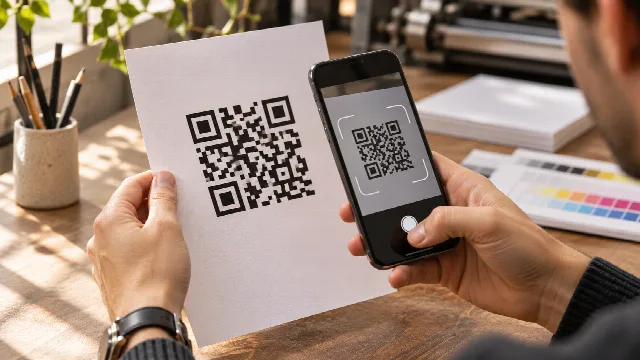 Why do QR Codes stop working after printing and how to prevent it?Understand why printed QR Codes stop opening, the risk of expiring redirect services, and how to create direct, permanent codes with no monthly…Read article
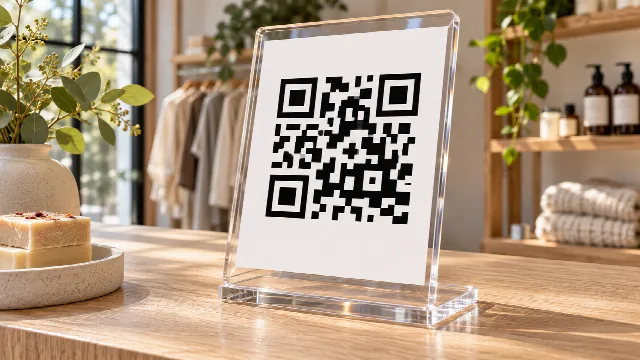 How to create a counter or storefront QR Code sign without monthly fees or expiryLearn how to craft professional counter stands and storefront QR signs for your shop, combining direct permanent codes with smart prompts in…Read article
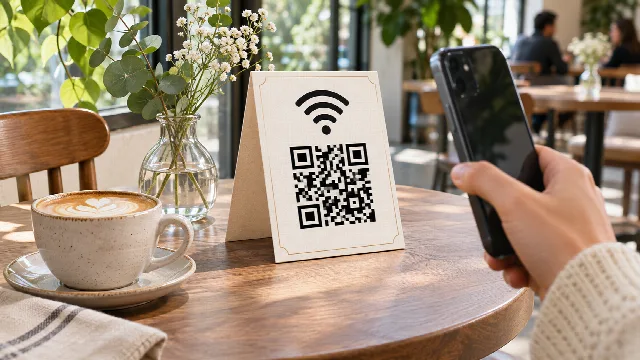 How to put your Wi-Fi password into a QR Code so guests connect without typingEliminate password questions in your venue: learn how to generate direct Wi-Fi QR Codes and create stylish table stands using generative AI.Read article
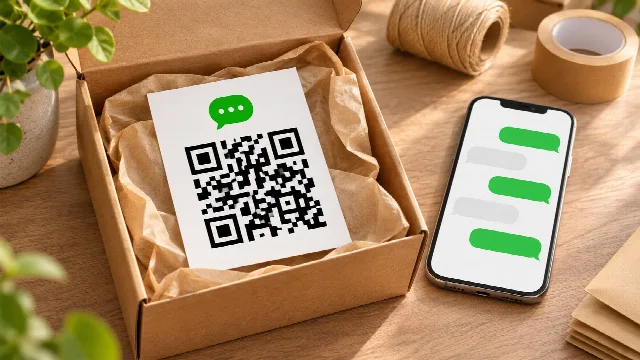 How to create a WhatsApp QR Code with a pre-filled message for sales and supportLearn how to guide customers straight into a WhatsApp chat with a pre-written opening message, and design custom delivery cards and inserts…Read article
The code has no expiry and uses no intermediary links. A linked website must remain available, and changing a Wi-Fi password requires a new code. Printed codes must also remain readable.
No. The code contains its original data. Editing that data produces a different code, which must be saved or printed again.
No. History stays in this browser, without an account or synchronization. Clearing browser data deletes the list; save important images separately.
QR generation and history storage happen on your device. After the first visit, the app works offline. Opening a linked website or service may require an internet connection.
No published answers yet.