
Articles
How to create a WhatsApp QR Code with a pre-filled message for sales and support
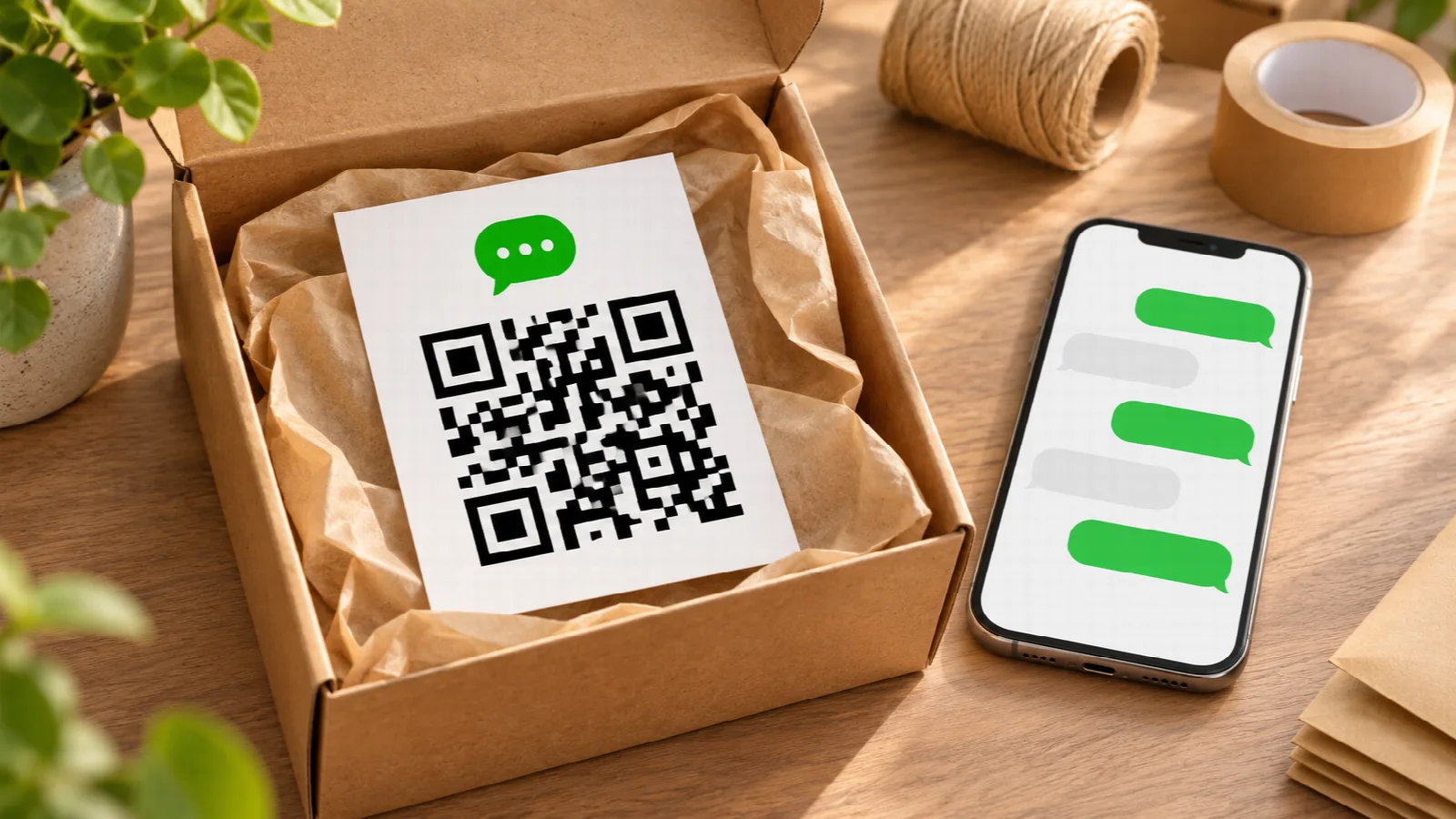
WhatsApp has become the go-to communication channel between businesses and modern consumers. Confirming orders, answering product inquiries, or delivering personalized customer support via text is significantly more convenient than placing a phone call. However, across physical touchpoints (flyers, business cards, store windows, or delivery boxes), customers face a major hurdle: the tedious requirement of manually typing a phone number and saving a contact into their address book before sending a single message.
The definitive solution to eliminate this friction is generating a WhatsApp QR Code with a pre-filled message. When patrons scan the code with their smartphone camera, WhatsApp launches straight into a conversation with your company, with an opening message already typed and ready to send.
The strategic value of pre-filled opening messages
Including a pre-written message inside the QR Code is not merely a convenience for the consumer: it provides powerful lead attribution and workflow routing for your sales team.
You can craft tailored initial text for different marketing materials:
- On e-commerce packaging: 'Hello! I received my package and would like to share feedback.'
- On storefront displays: 'Hi! I saw your window display and would love more details on current promotions.'
- On conference business cards: 'Hello! We met at the summit; let us schedule a follow-up call.'
- On printed catalogs: 'Hi! I am interested in Item #402 and would like to confirm availability.'
The moment the customer taps send, your support team instantly knows where that lead originated and what assistance they need, enabling immediate, personalized service.
How direct WhatsApp links operate without third-party redirection
WhatsApp maintains an official universal link protocol (`https://wa.me/phonenumber?text=yourmessage`). Unfortunately, many generic QR generators route this through proprietary redirect domains that expire or inject third-party branding.
With Super QR Code, the official `wa.me` destination is embedded directly into the matrix pixels. There are no tracking intermediaries, no recurring fees, and the QR Code will never stop functioning as long as your WhatsApp number remains active.
Step-by-step: creating your WhatsApp QR Code
The setup process takes less than a minute:
- Visit Super QR Code.
- Select the WhatsApp option.
- Enter your phone number with your country and area code.
- In the optional message field, type your pre-formatted opening customer text.
- Click Generate QR Code.
- Download the clean high-definition asset using the Save image button.
Marketing tip: crafting unboxing cards and package inserts with AI
The Super QR Code app specializes in generating clean, permanent vector-accurate QR assets without intrusive logos or broken links. It is not an unboxing card layout tool.
To produce delightful packaging inserts, product tags, or delivery thank-you cards without hiring a freelance designer, leverage ChatGPT or Gemini:
- Save the QR Code PNG from Super QR Code.
- Open ChatGPT or Gemini and upload the PNG file.
- Submit a creative prompt such as: 'Act as an e-commerce packaging designer. Create an unboxing thank-you card layout (4x6 inches) for my boutique leather goods brand. Place the attached QR Code prominently in the lower section. At the top, write: Handcrafted with care, thank you for your order! Above the QR Code, add: Questions or custom requests? Message us on WhatsApp. Use an artisanal aesthetic with warm kraft paper background and minimal typography.'
- The generative AI outputs a complete, ready-to-print design that you can print locally or send to a digital print shop for short production runs.
High-converting placements for your WhatsApp QR Code
Maximize incoming customer engagement across all your tangible marketing assets:
- Delivery boxes and takeaway bags: turn one-time marketplace buyers into direct, repeat customers.
- Company service vehicles: allow pedestrians and drivers at red lights to snap your contact information effortlessly.
- Direct mailers and local flyers: dramatically decrease flyer bounce rates by giving recipients an effortless instant chat button.
- Exhibition booths and trade shows: capture warm business leads without forcing visitors to write on manual sign-up clipboards.